GOHIGHLEVEL ANSWERS & PROMPTS: PLAYBOOK T08 · AI AGENTS, MCP & SKILLS
AUTHOR: DANIEL HALLMAN
KEYWORD: SKILLS
STEP-BY-STEP INSTRUCTIONS + ANNOTATED GHL SCREENSHOTS
Steps in GoHighLevel
-
STEP 1In AI Agents > Knowledge Base (or your project
.claude/skills/folder), delete generic instruction packs: Strip out downloaded personality prompts and generic roleplay markdown files so the model starts with a clean context window.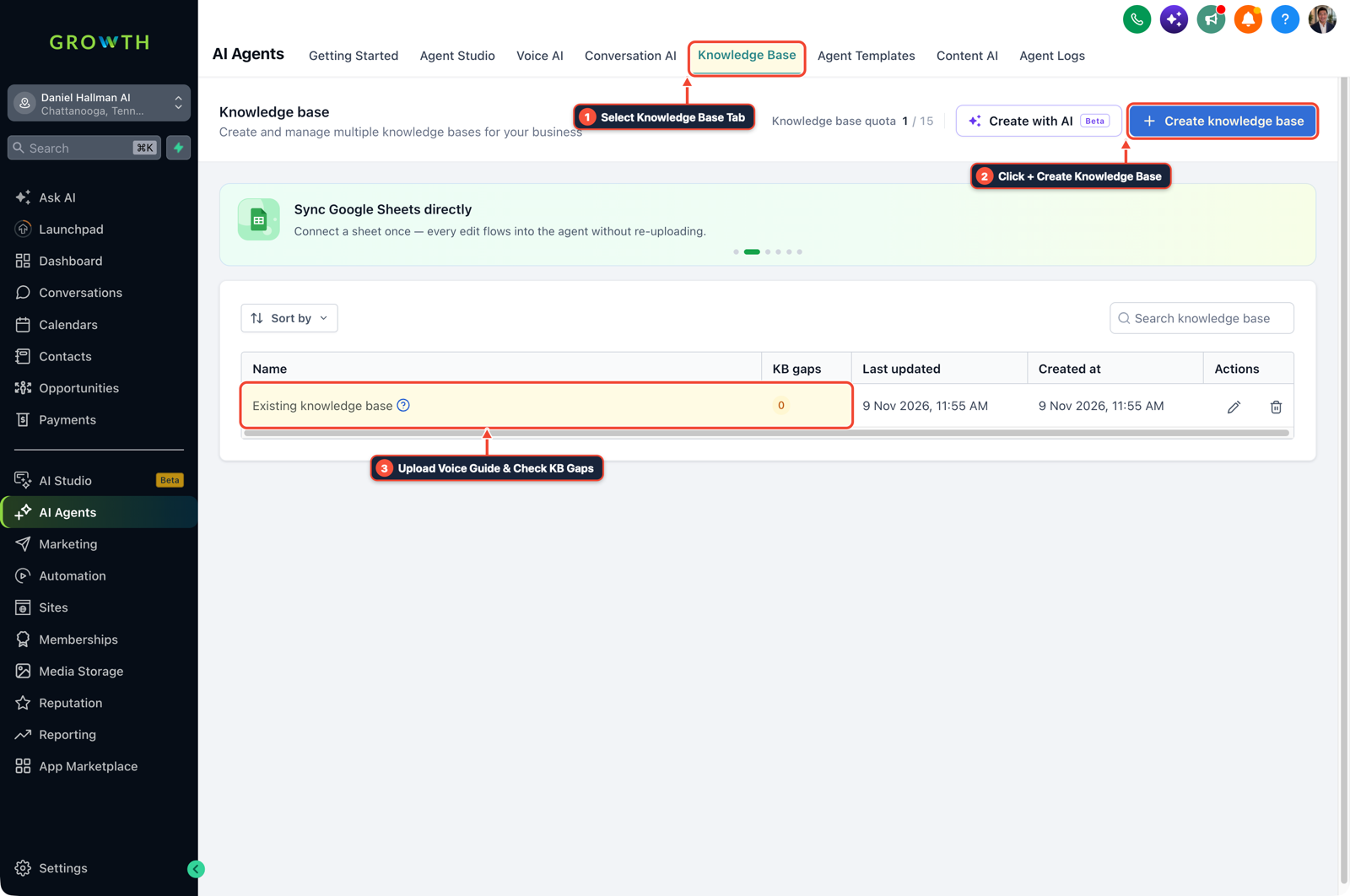
1Select Knowledge Base Tab 2Click + Create Knowledge Base 3Review Industry FAQ & Check KB Gaps -
STEP 2In Automation > Workflows > Execution Logs, identify a mistake the agent repeats twice: Check failed or misrouted runs (for example, forgetting
E.164phone formatting beforeCreate/Update Contactor picking the wrong calendar ID) before creating a new skill.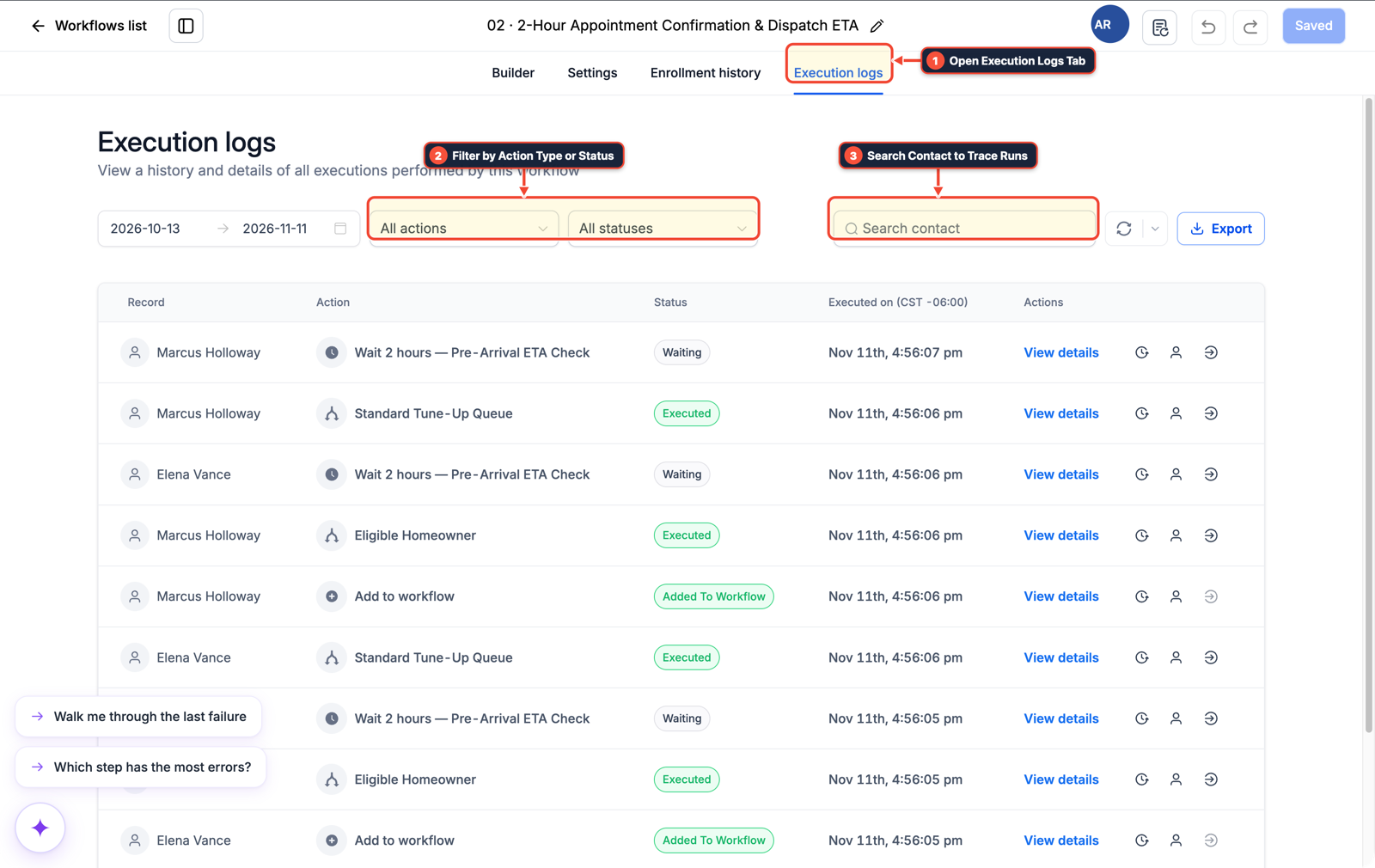
1Open Execution Logs Tab 2Filter by Action Type or Status 3Search Contact to Trace Runs -
STEP 3In Settings > Private Integrations and your
SKILL.mdfile, save exact sub-account IDs and tool arguments: Write a short 3-step procedure listing your scoped MCP tool calls (ghl-crm/ghl-agency), custom field keys, andStop on Responserules so you never have to re-explain them on future prompts.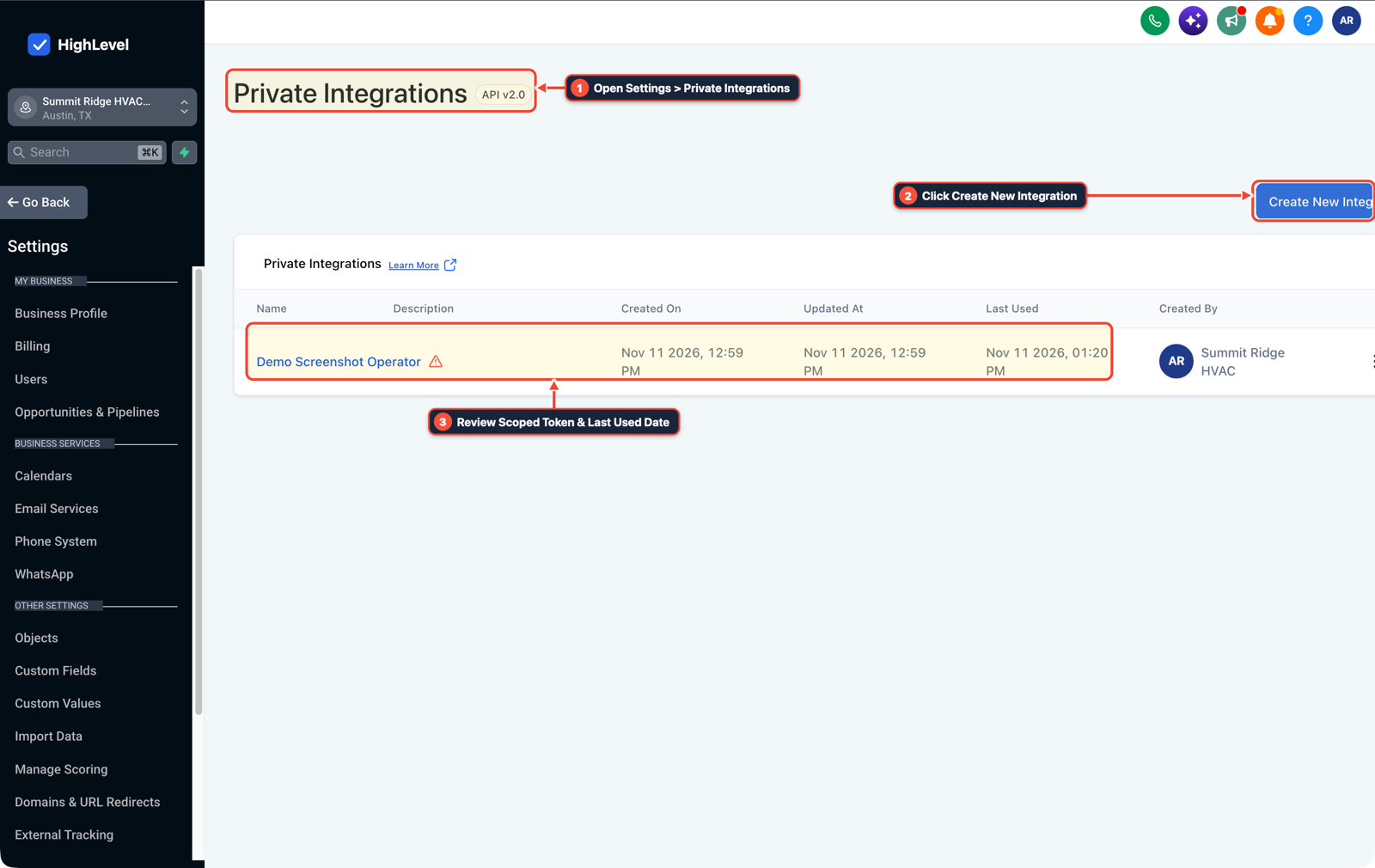
1Open Settings > Private Integrations 2Click Create New Integration 3Review Scoped Token & Last Used Date
MODE: AGENT PROMPT
PASTE INTO CLAUDE CODE, CURSOR, CHATGPT, OR GOHIGHLEVEL ASK AI
AGENT PROMPT
Create a narrow, project-specific GoHighLevel workflow skill for sub-account <YOUR_LOCATION_ID>:
1. Inspect existing custom fields, pipeline stage IDs, and calendars via ghl-crm.
2. Document the exact E.164 phone normalization and Stop on Response rules required for every lead workflow.
3. Save the procedure as a concise SKILL.md reference with exact location IDs and tool parameters.
GHL-TOOLS MCP SERVER & CLI (DANIELHALLMAN.COM/MCP)
BUILDER + SUB-ACCOUNT TOOLS
# Inspect sub-account custom fields and workflows to encode in your skill file
ghl-crm custom-fields list --context <YOUR_CONTEXT> --location <YOUR_LOCATION_ID>
ghl-crm workflows list --context <YOUR_CONTEXT> --location <YOUR_LOCATION_ID>
Official GHL MCP vs. ghl-tools: HighLevel’s official hosted MCP (services.leadconnectorhq.com/mcp) covers public v2 CRM records (contacts, opportunities, appointments, conversations). ghl-tools MCP complements it with workflow graph inspection & recipes, funnel/form builders, DNS/BIMI checks, and ghl-crm doctor audits.
Cause
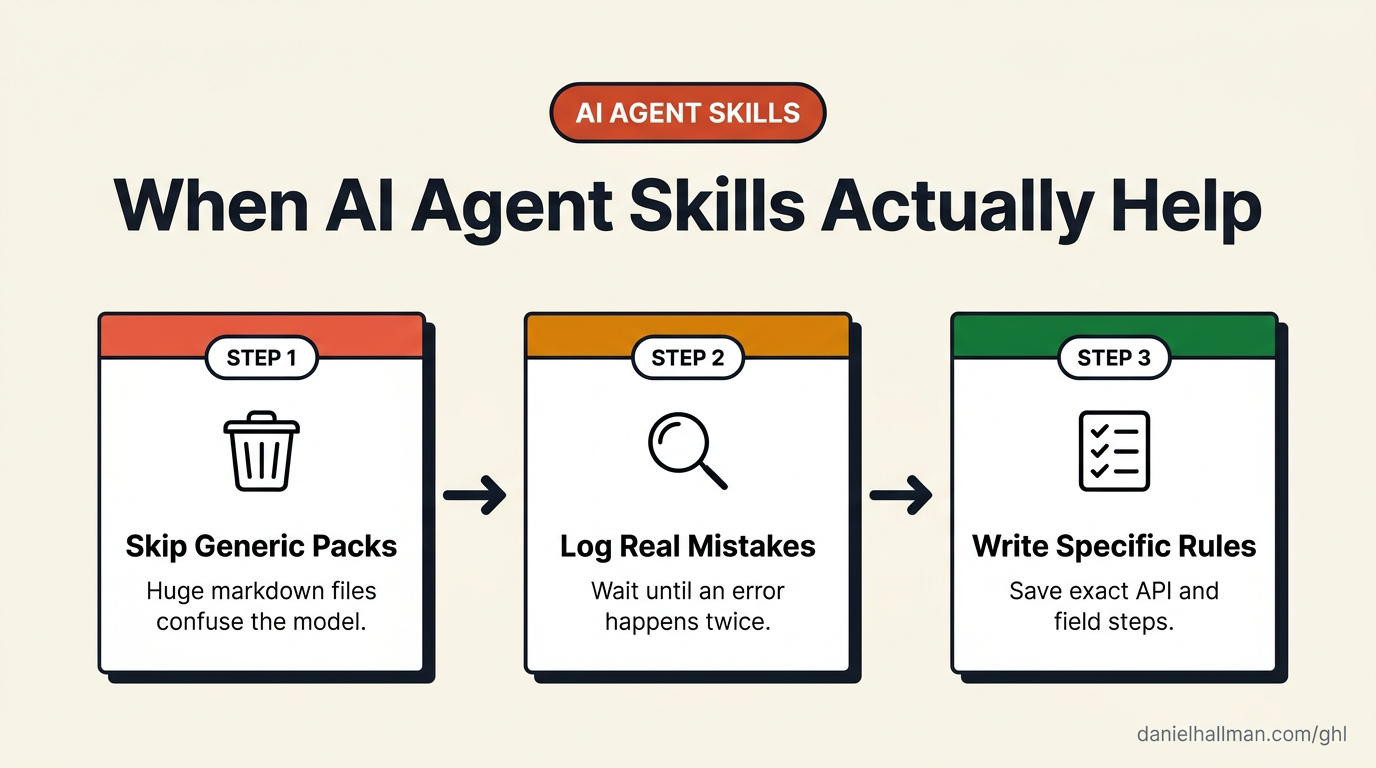
- Most public 'Skills' repositories are giant markdown files filled with generic advice that the base model already knows.
- Loading dozens of vague instruction files into Claude Code, Cursor, or a GoHighLevel Conversation AI agent eats context tokens, buries your real instructions, and causes the agent to hallucinate tool arguments.
GoHighLevel Configuration
- Treat an agent skill like a saved function for a task you repeat every week.
- Run your agent with zero generic skills first, check your workflow Execution Logs for recurring mistakes (such as unformatted phone numbers or wrong pipeline stage IDs), and write a short 30-line skill file containing only the exact steps and schema IDs for your sub-account.
GoHighLevel Menu Paths
| Step | Menu Path in GHL | Action |
|---|---|---|
| Step 1 | AI Agents > Knowledge Base | Delete generic instruction packs: Strip out downloaded personality prompts and generic roleplay markdown files so the model starts with a clean context window. |
| Step 2 | Automation > Workflows > Execution Logs | Identify a mistake the agent repeats twice: Check failed or misrouted runs (for example, forgetting E.164 phone formatting before Create/Update Contact or picking the wrong calendar ID) before creating a new skill. |
| Step 3 | Settings > Private Integrations | Save exact sub-account IDs and tool arguments: Write a short 3-step procedure listing your scoped MCP tool calls (ghl-crm / ghl-agency), custom field keys, and Stop on Response rules so you never have to re-explain them on future prompts. |
DEFAULT SETUP VS. AUTOMATED WORKFLOW
Operational Comparison
Speed to Lead & Callback Safety
Caller Reply & Booking Rate
Related Questions
- When Should You Use AI Agents and MCP vs Structured Workflows in GoHighLevel?
- How Do You Run 24/7 AI Agents Practically Without Babysitting Every Prompt?
- How do you use Model Context Protocol (MCP) and AI to build and audit GoHighLevel workflows?
- How do you connect Claude Code or Cursor to GoHighLevel using MCP?
BUILD FASTER IN GOHIGHLEVEL · FREE TRIAL BONUSES + MCP SERVER
Build this directly inside your GoHighLevel sub-account
Connect Claude Code, Cursor, or OpenAI Codex to our ghl-tools MCP Server & Rust CLI to build workflows, forms, and funnels from your editor, or start your GoHighLevel plan through our partner link to unlock $612+ in ready-to-import kits (including AI Agent & MCP Operator Pack) and weekly live clinics.