GOHIGHLEVEL ANSWERS & PROMPTS: PLAYBOOK T05 · SAAS & SNAPSHOTS
AUTHOR: DANIEL HALLMAN
KEYWORD: SNAPSHOT
MODE: AGENT PROMPT
PASTE INTO CLAUDE CODE, CURSOR, CHATGPT, OR GOHIGHLEVEL ASK AI
AGENT PROMPT
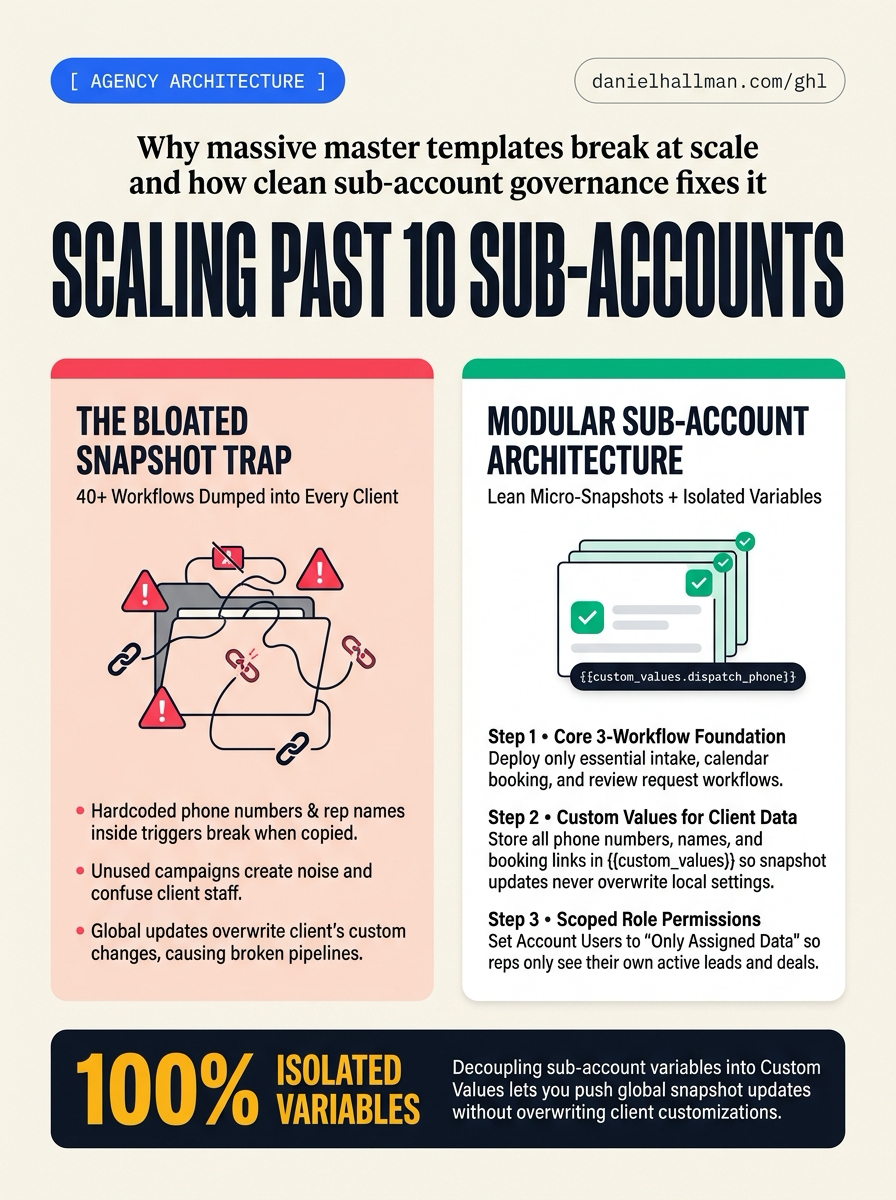
Clean up our GoHighLevel agency snapshot setup before adding more client sub-accounts:
1. In Agency View > Settings > Snapshots, build a starter snapshot with only new lead reply, appointment reminders, and review requests.
2. In Settings > Custom Values, move phone numbers and booking URLs into {{custom_values.business_phone}} and {{custom_values.booking_calendar_url}}.
3. In Settings > My Staff, set client employees to Account Users with Only Assigned Data turned on.
GHL-TOOLS MCP SERVER & CLI (DANIELHALLMAN.COM/MCP)
BUILDER + SUB-ACCOUNT TOOLS
# List agency snapshots with ghl-agency
ghl-agency snapshots list --context <YOUR_CONTEXT>
Official GHL MCP vs. ghl-tools: HighLevel’s official hosted MCP (services.leadconnectorhq.com/mcp) covers public v2 CRM records (contacts, opportunities, appointments, conversations). ghl-tools MCP complements it with workflow graph inspection & recipes, funnel/form builders, DNS/BIMI checks, and ghl-crm doctor audits.
STEP-BY-STEP INSTRUCTIONS + ANNOTATED GHL SCREENSHOTS
Steps in GoHighLevel
-
STEP 1Trim your base snapshot to three workflows: In Agency View > Settings > Snapshots, keep only new lead reply, appointment reminders, and review requests in your starter snapshot. Leave niche promos out until a client asks for them.
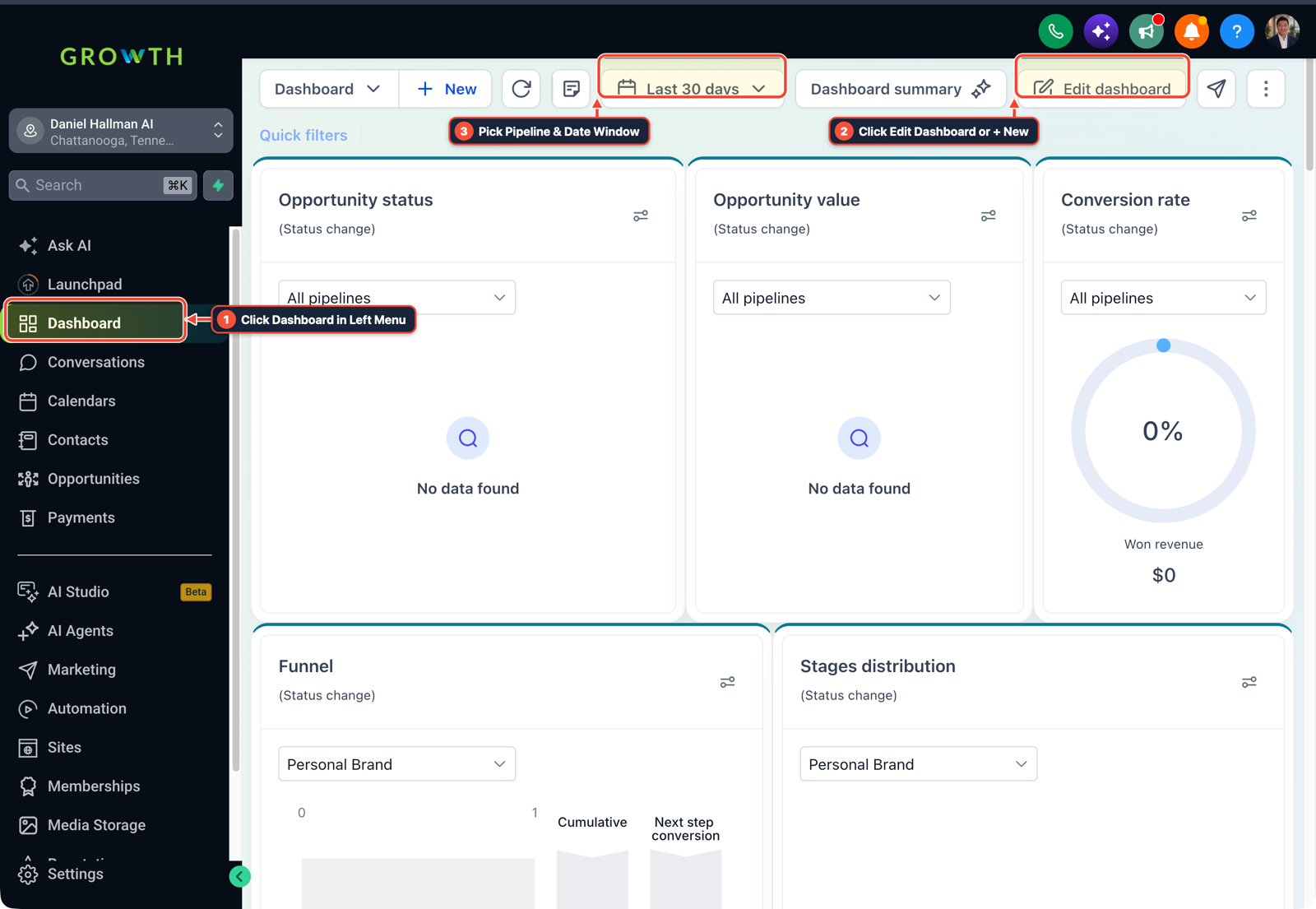
1Click Dashboard in Left Menu 2Click Edit Dashboard or + New 3Pick Pipeline & Date Window - STEP 2Move client details into Custom Values: In Settings > Custom Values, add keys like
{{custom_values.business_phone}},{{custom_values.booking_calendar_url}}, and{{custom_values.primary_contact_email}}. Use those tokens in every SMS and email step so snapshot updates never overwrite local client info. -
STEP 3Limit staff to their own leads: In Settings > My Staff, add client team members as Account Users instead of admins. Turn on Only Assigned Data under User Permissions so reps only see their own contacts, texts, and pipeline deals.
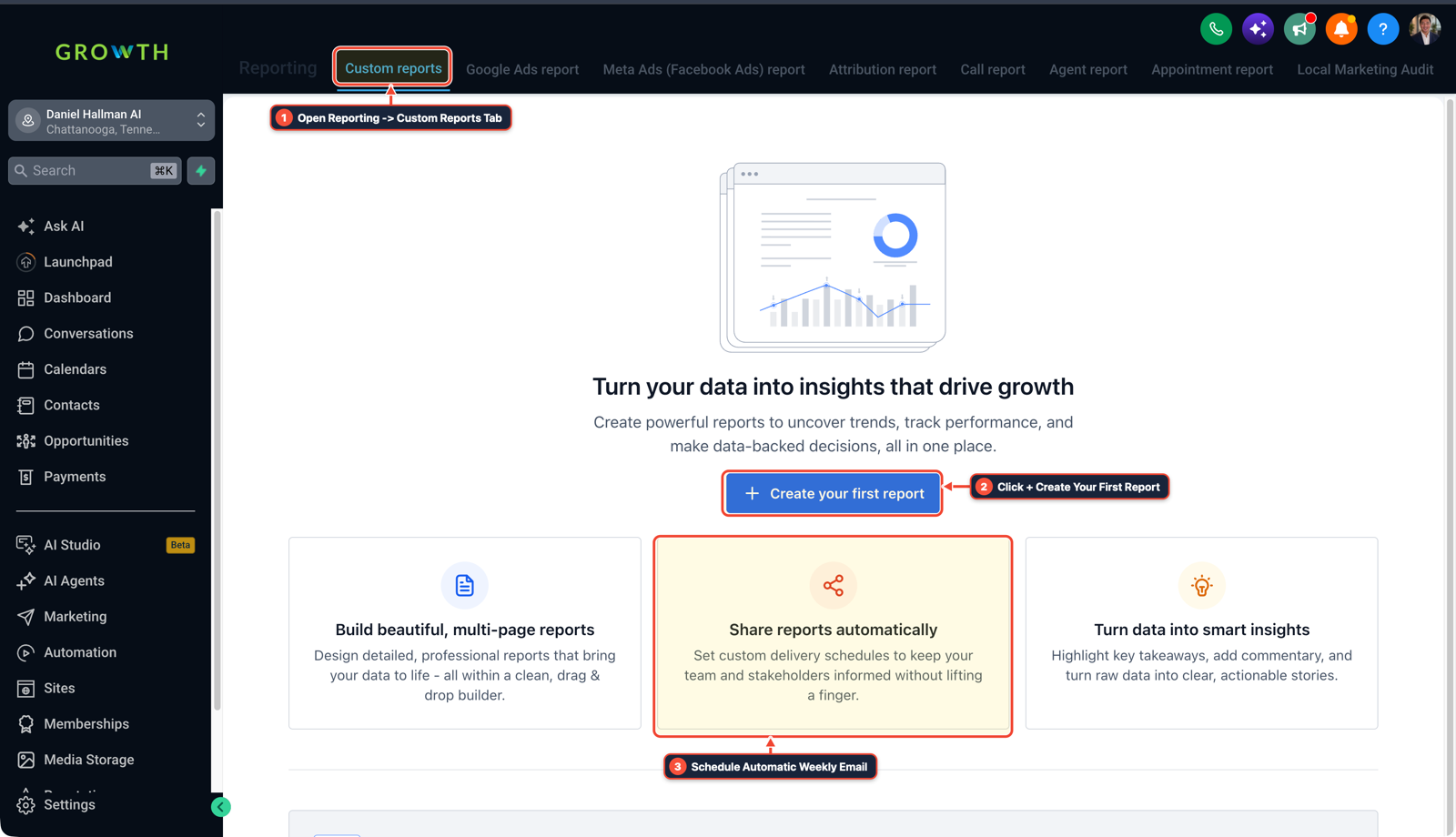
1Open Reporting > Custom Reports Tab 2Click + Create Your First Report 3Schedule Automatic Weekly Email
Cause
- Around 10 to 15 client accounts, giant 40-workflow snapshots start breaking things.
- Pushing an update from a bloated master template overwrites small copy edits clients asked for, and hardcoded phone numbers or calendar links end up texting leads from the wrong business.
GoHighLevel Configuration
- Start every client sub-account with a small 3-workflow base snapshot, store all business details in Custom Values so updates stay clean
- and limit client employees to their own assigned leads.
GoHighLevel Menu Paths
| Step | Menu Path in GHL | Action |
|---|---|---|
| Step 1 | Agency View > Settings > Snapshots | Keep only new lead reply, appointment reminders, and review requests in your starter snapshot. |
| Step 2 | Settings > Custom Values | Add keys like {{custom_values.business_phone}}, {{custom_values.booking_calendar_url}}, and {{custom_values.primary_contact_email}}. |
| Step 3 | Settings > My Staff | Add client team members as Account Users instead of admins. |
DEFAULT SETUP VS. AUTOMATED WORKFLOW
Operational Comparison
Manual Admin Work Per Client
Lead-to-Booked-Job Conversion
Related Questions
BUILD FASTER IN GOHIGHLEVEL · FREE TRIAL BONUSES + MCP SERVER
Build this directly inside your GoHighLevel sub-account
Connect Claude Code, Cursor, or OpenAI Codex to our ghl-tools MCP Server & Rust CLI to build workflows, forms, and funnels from your editor, or start your GoHighLevel plan through our partner link to unlock $612+ in ready-to-import kits (including GHL Workflow Architect Pack) and weekly live clinics.