GOHIGHLEVEL ANSWERS & PROMPTS: PLAYBOOK T118 · WEBHOOK IDEMPOTENCY KEYS, OAUTH TOKEN LOCKS & 429 BACKOFF
AUTHOR: DANIEL HALLMAN
KEYWORD: API GUARDRAILS
STEP-BY-STEP INSTRUCTIONS + ANNOTATED GHL SCREENSHOTS
Steps in GoHighLevel
-
STEP 1In Automation > Workflow Builder and your n8n webhook entry flow, write the provider's unique
event_id(oridempotency_key) into a table with a unique constraint before calling any GoHighLevel create-invoice or ledger node so retried deliveries stop on insert instead of duplicating records.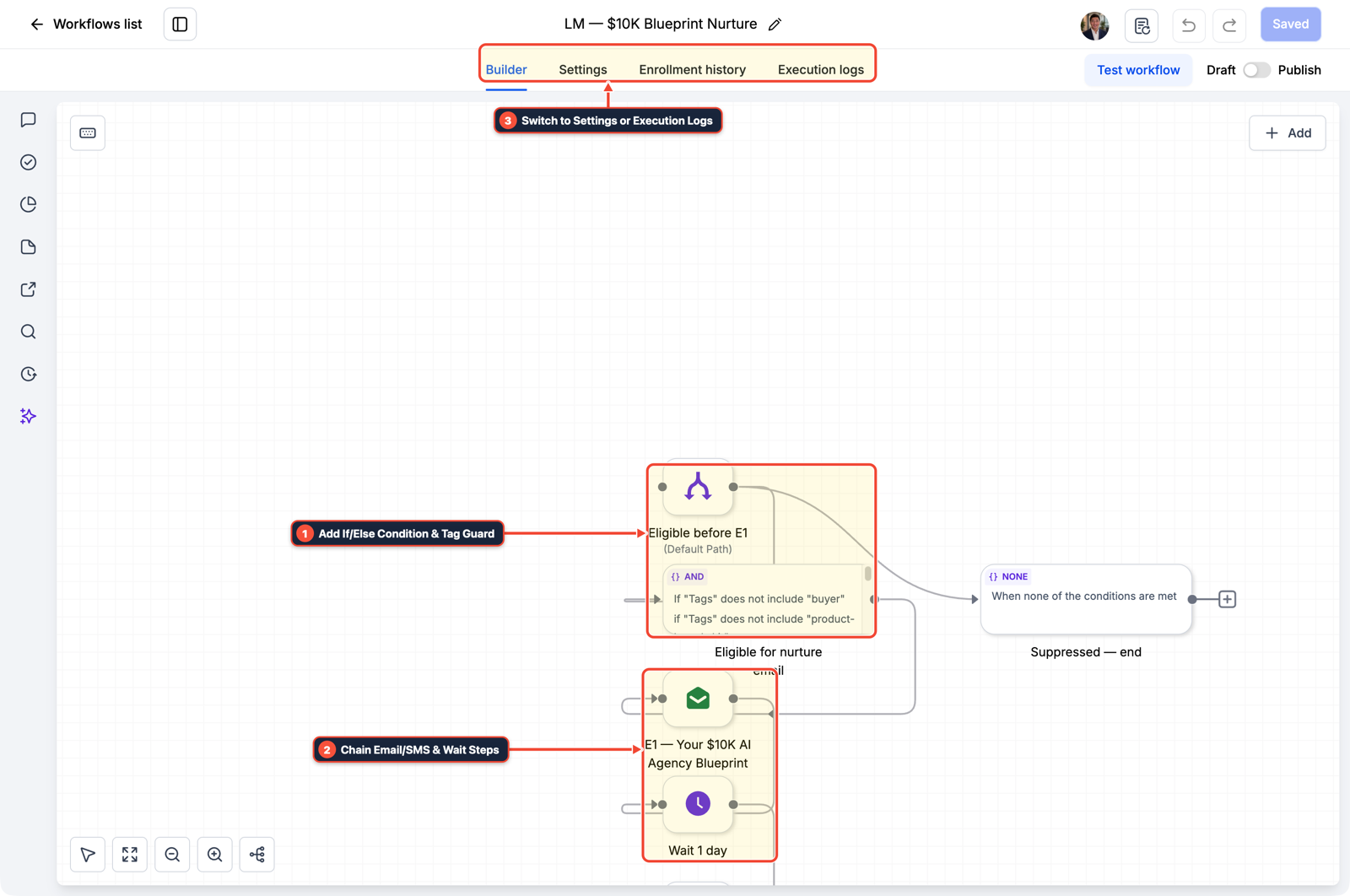
1Add If/Else Condition & Tag Guard 2Chain Priority & Wait Steps 3Switch to Settings or Execution Logs -
STEP 2In Settings > Private Integrations (and external OAuth connections like Microsoft Graph or X), test permissions on the client's actual tenant to catch missing admin consent or per-seat license scopes early, and route single-use rotating refresh tokens through one serialized refresh helper so parallel runs cannot invalidate the token chain.
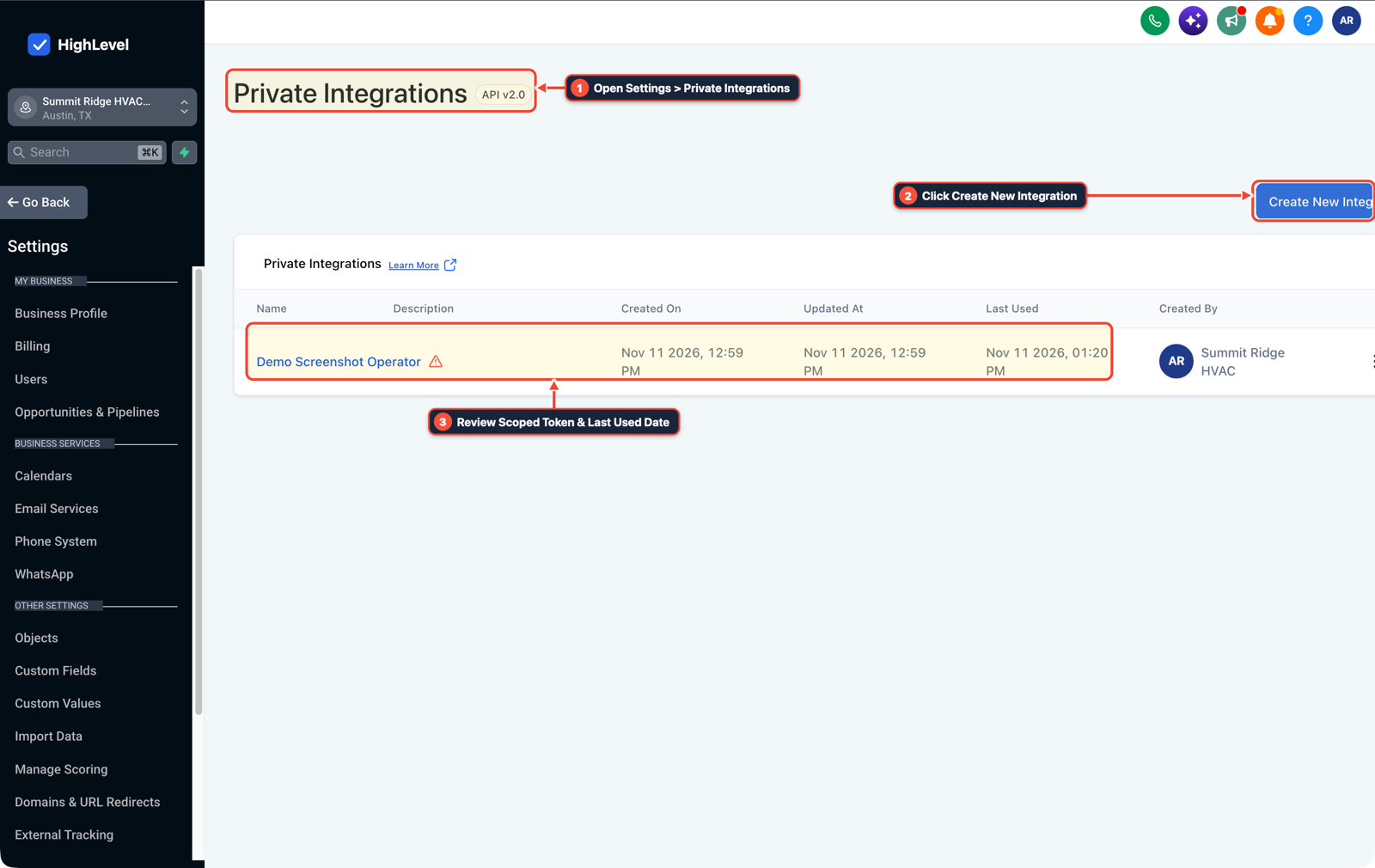
1Open Settings > Private Integrations 2Click Create New Integration 3Review Scoped Token & Last Used Date -
STEP 3In Workflow > Execution Logs and your n8n HTTP Request nodes, enable Retry on Fail with backoff honoring
Retry-Afterheaders on429responses, and attach an n8n Error Workflow that posts the failing node, HTTP status, and contact ID to your team alert channel.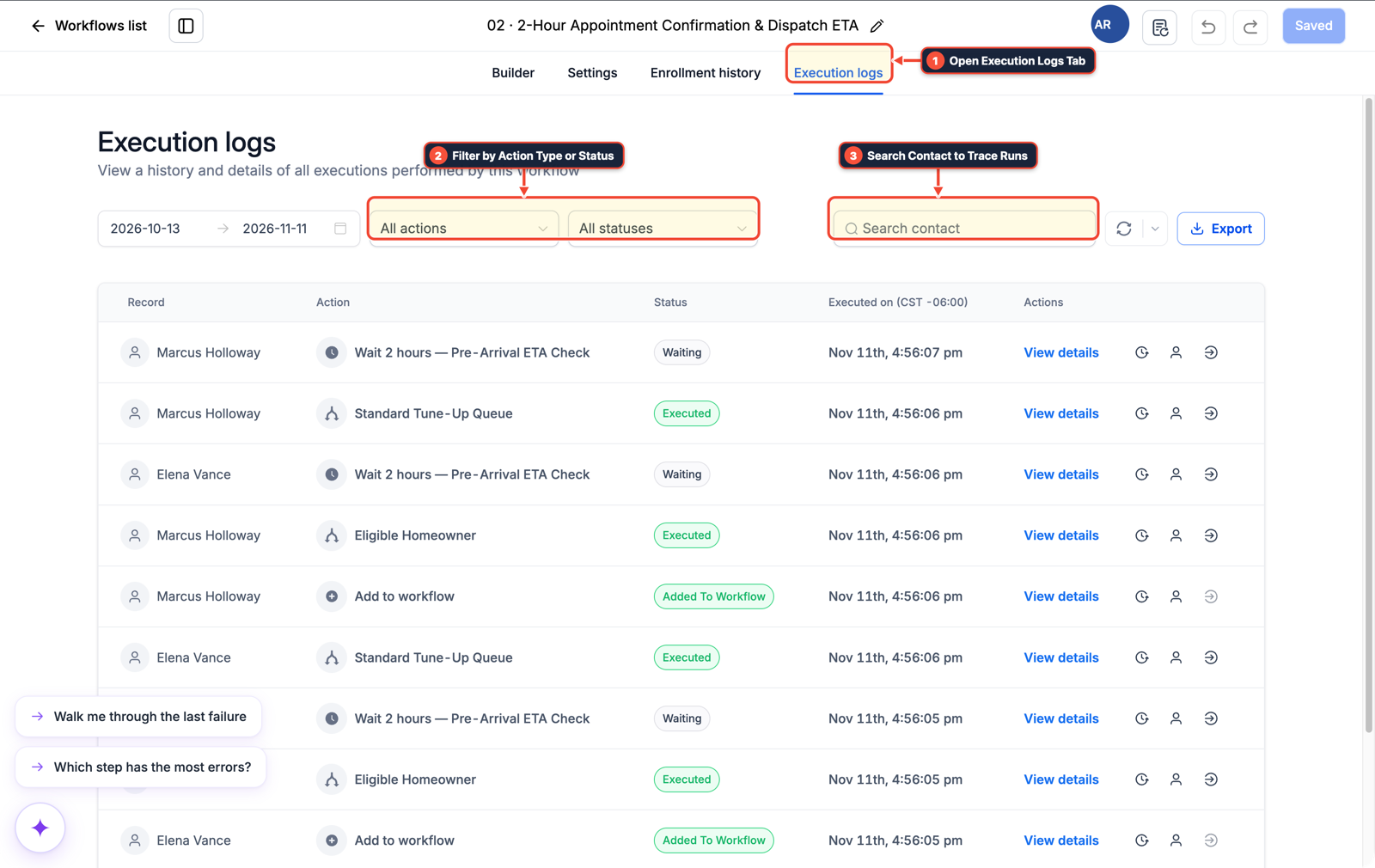
1Open Execution Logs Tab 2Filter by Action Type or Status 3Search Contact to Trace Runs
MODE: AGENT PROMPT
PASTE INTO CLAUDE CODE, CURSOR, CHATGPT, OR GOHIGHLEVEL ASK AI
AGENT PROMPT
Harden external API and webhook workflows connecting n8n to GoHighLevel sub-account <YOUR_LOCATION_ID>:
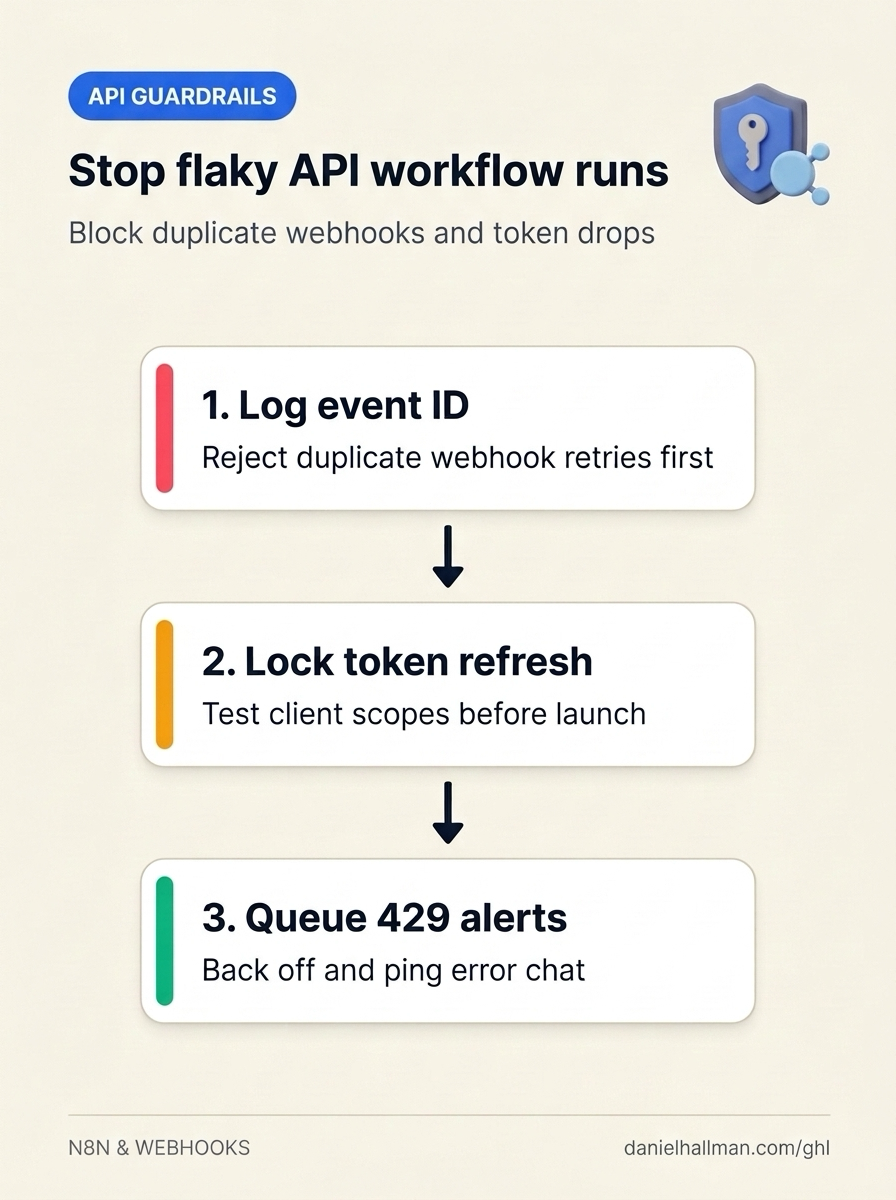
1. Store each inbound webhook event_id in a unique-constraint idempotency table before any downstream CRM or invoice write runs.
2. Separate per-location Private Integration Tokens, verify client tenant OAuth scopes (including admin consent and seat licenses), and serialize any single-use OAuth refresh token flow.
3. Configure HTTP 429 exponential backoff honoring Retry-After and attach an Error Workflow alert posting failing node and contact details.
GHL-TOOLS MCP SERVER & CLI (DANIELHALLMAN.COM/MCP)
BUILDER + SUB-ACCOUNT TOOLS
# Inspect workflows and Private Integration setup for the sub-account
ghl-crm workflows list --context <YOUR_CONTEXT> --location <YOUR_LOCATION_ID>
Official GHL MCP vs. ghl-tools: HighLevel’s official hosted MCP (services.leadconnectorhq.com/mcp) covers public v2 CRM records (contacts, opportunities, appointments, conversations). ghl-tools MCP complements it with workflow graph inspection & recipes, funnel/form builders, DNS/BIMI checks, and ghl-crm doctor audits.
Cause
- A workflow that passes every test on your own developer account can still write 14 duplicate ledger rows when a payment provider retries a webhook, fail on a client Microsoft 365 tenant without admin consent
- or burn a rotating OAuth refresh token when two runs expire at the same second.
GoHighLevel Configuration
- Gate every inbound webhook with a stored idempotency key, verify client OAuth permissions and serialize token refreshes in one helper path
- and cap loop concurrency with
Retry-Afterbackoff and an immediate error alert.
GoHighLevel Menu Paths
| Step | Menu Path in GHL | Action |
|---|---|---|
| Step 1 | Automation > Workflow Builder | Write the provider's unique event_id (or idempotency_key) into a table with a unique constraint before calling any GoHighLevel create-invoice or ledger node so retried deliveries stop on insert instead of duplicating records. |
| Step 2 | Settings > Private Integrations | In Settings > Private Integrations (and external OAuth connections like Microsoft Graph or X), test permissions on the client's actual tenant to catch missing admin consent or per-seat license scopes early, and route single-use rotating refresh tokens through one serialized refresh helper so parallel runs cannot invalidate the token chain. |
| Step 3 | Workflow > Execution Logs | Enable Retry on Fail with backoff honoring Retry-After headers on 429 responses, and attach an n8n Error Workflow that posts the failing node, HTTP status, and contact ID to your team alert channel. |
DEFAULT SETUP VS. AUTOMATED WORKFLOW
Operational Comparison
Speed to Lead & Callback Safety
Caller Reply & Booking Rate
Related Questions
- How Do You Catch a Silently Failed n8n or GoHighLevel Webhook Node Before a Message Is Lost?
- How do you stop bulk tag updates in GoHighLevel from flooding webhooks and duplicating contacts?
- How Do You Keep Unattended n8n and GoHighLevel Workflows From Failing Silently or Double-Posting on Retries?
- How Do You Handle High Webhook Volume Without Hitting 429 API Rate Limits in GoHighLevel, Make, and Airtable?
FREE AGENCY BLUEPRINT & GHL CHECKLIST
Get the free $10K Agency Blueprint + GHL Setup Checklist
Enter your work email for the 7-part operating manual and GoHighLevel setup checklists (GHL & n8n API Guardrails & Idempotency Kit), or unlock the full bonus vault with your GoHighLevel partner bonus claim.