GOHIGHLEVEL ANSWERS & PROMPTS: PLAYBOOK T01 · WORKFLOWS & AUTOMATION
AUTHOR: DANIEL HALLMAN
KEYWORD: WORKFLOW
MODE: AGENT PROMPT
PASTE INTO CLAUDE CODE, CURSOR, CHATGPT, OR GOHIGHLEVEL ASK AI
AGENT PROMPT
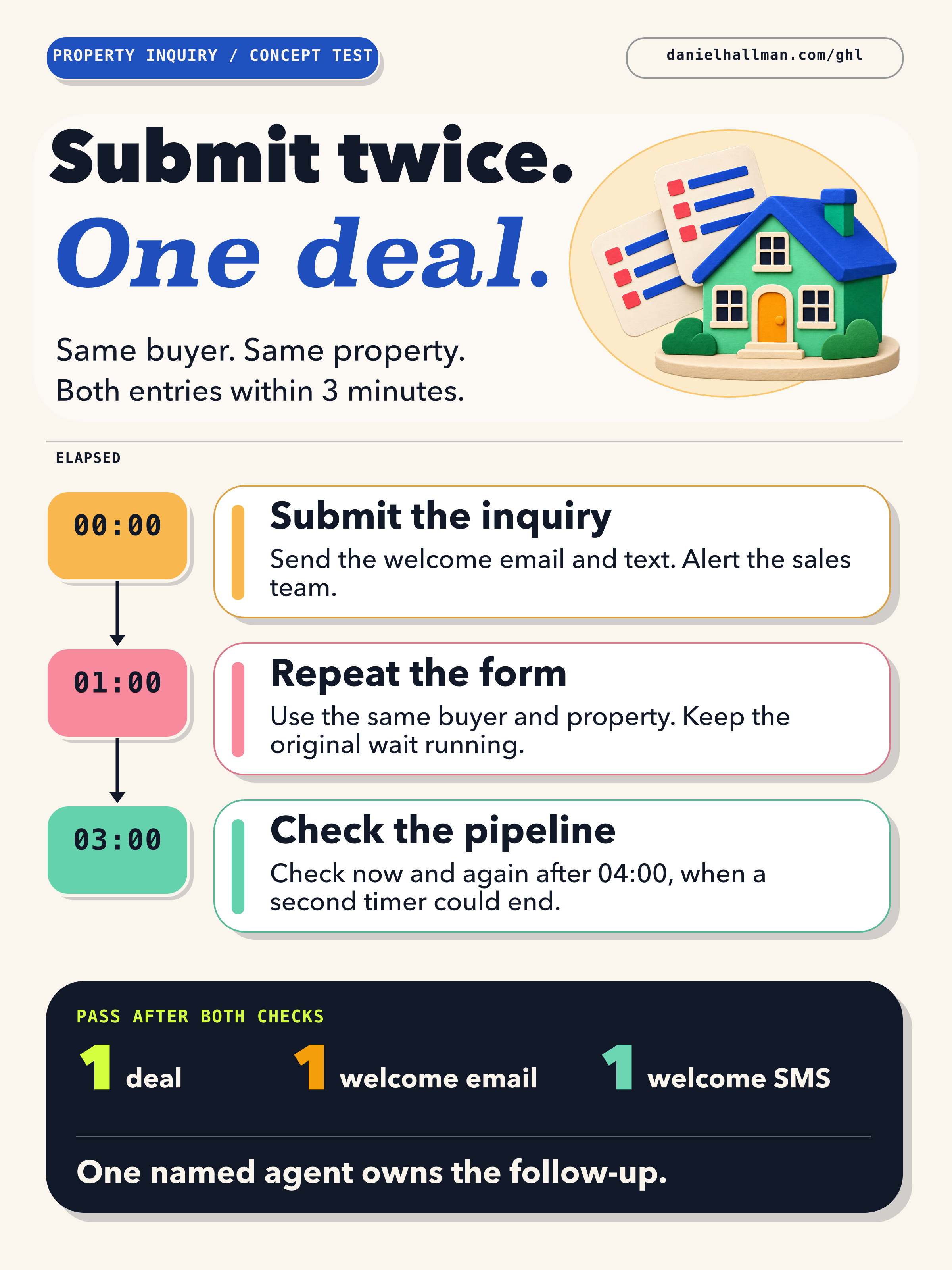
Review our property inquiry workflow. Identify where the form submits, where the welcome email and SMS send, and where the deal appears after the three-minute wait. Compare those steps with the test contact’s execution history and list any duplicate message or missing agent assignment.
GHL-TOOLS MCP SERVER & CLI (DANIELHALLMAN.COM/MCP)
BUILDER + SUB-ACCOUNT TOOLS
# Inspect the workflow and its configured steps
ghl-crm workflows get --location <LOCATION_ID> --id <WORKFLOW_ID>
Official GHL MCP vs. ghl-tools: HighLevel’s official hosted MCP (services.leadconnectorhq.com/mcp) covers public v2 CRM records (contacts, opportunities, appointments, conversations). ghl-tools MCP complements it with workflow graph inspection & recipes, funnel/form builders, DNS/BIMI checks, and ghl-crm doctor audits.
STEP-BY-STEP INSTRUCTIONS + ANNOTATED GHL SCREENSHOTS
Steps in GoHighLevel
-
STEP 1Submit a test buyer and property through your inquiry form. Submit the same details again before the
3 minutesare up.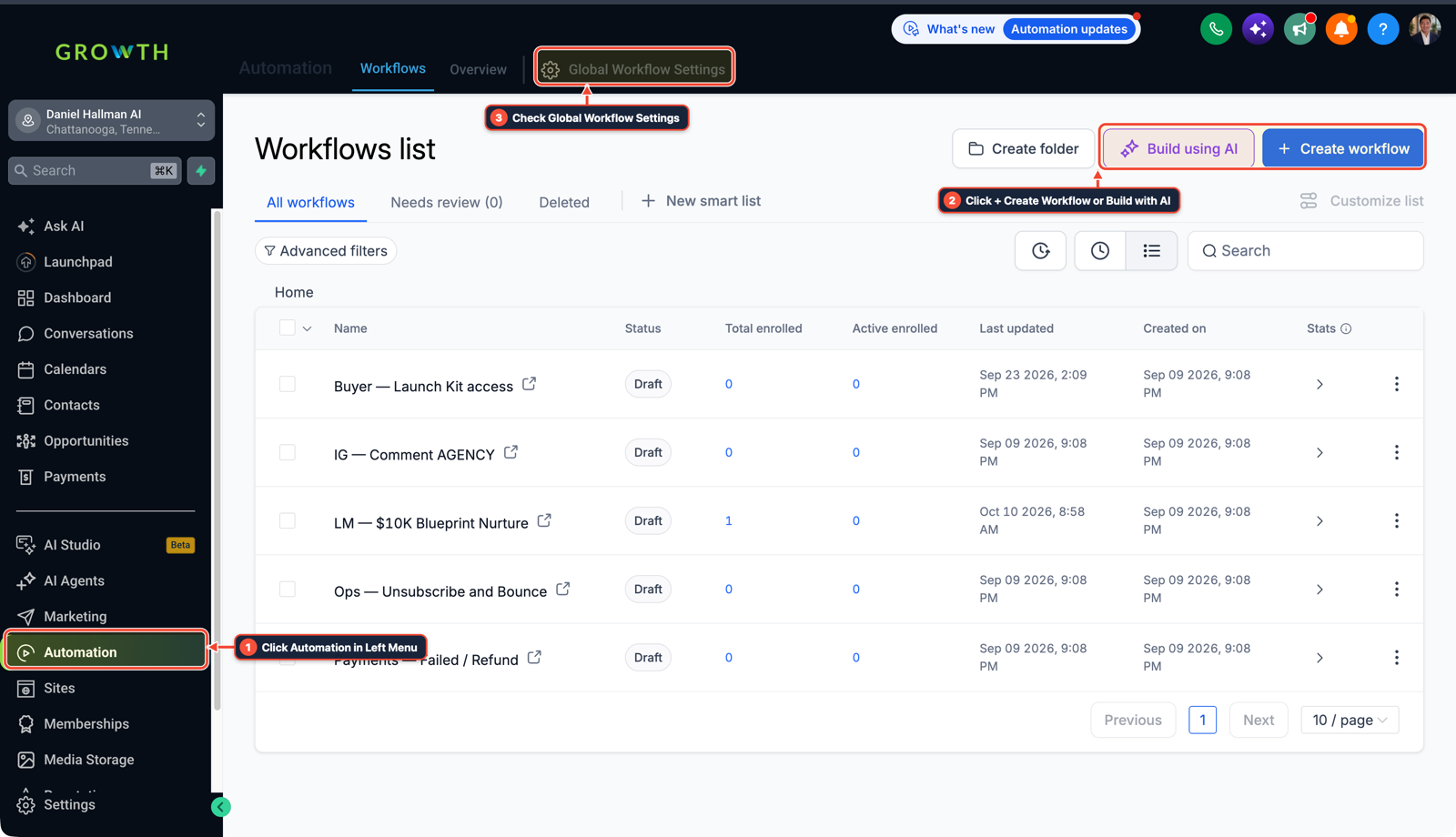
1Click Automation in Left Menu 2Click + Create Workflow or Build with AI 3Check Global Workflow Settings - STEP 2In the workflow’s Execution Logs, open the test contact’s history. Check which steps ran, then confirm the test buyer received one welcome per configured channel.
-
STEP 3Three minutes after the second submission, open Opportunities. Confirm the buyer and property have one deal and one assigned agent with a follow-up due. Repeat with a different property to check that it gets its own handoff.
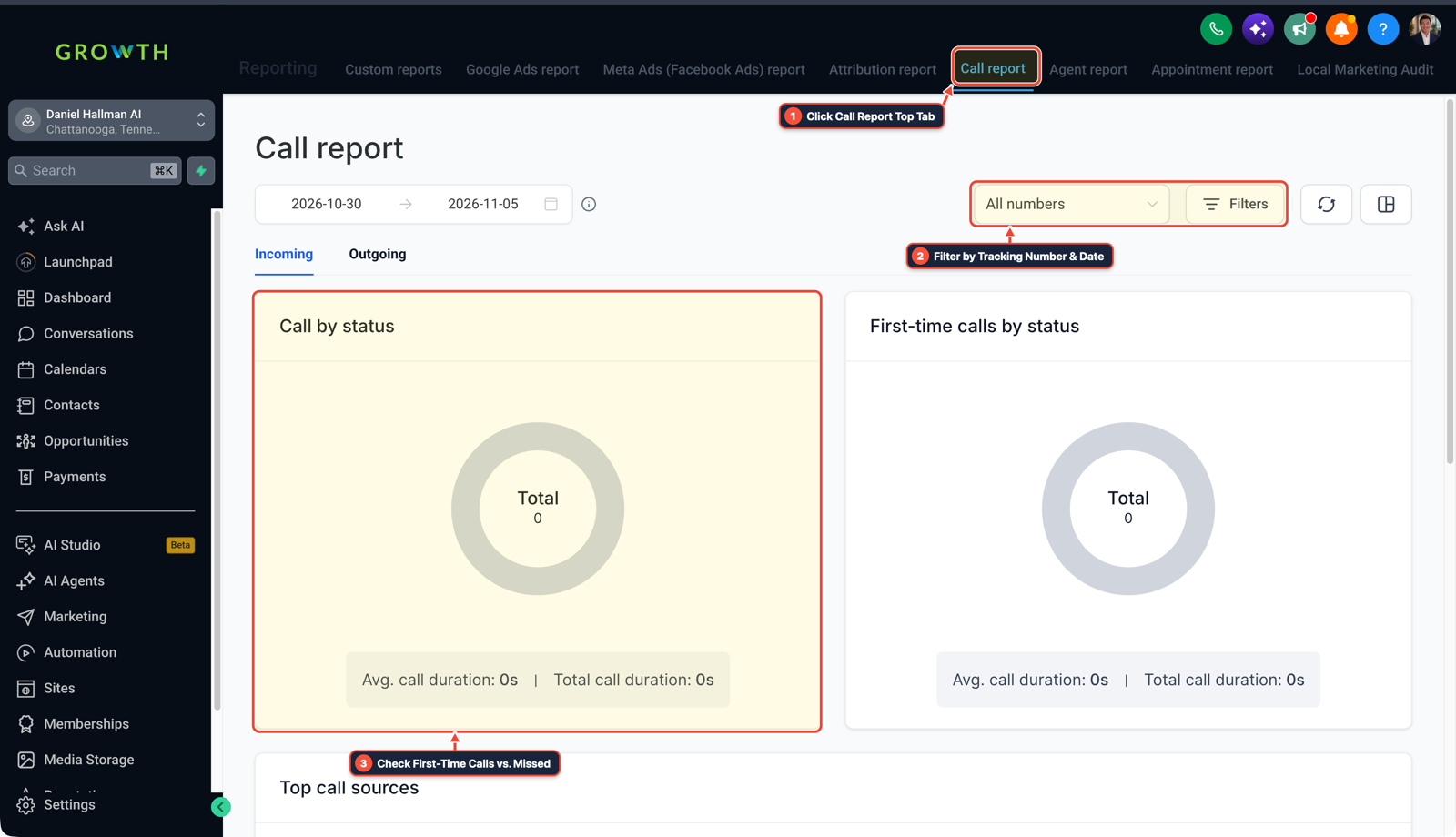
1Click Call Report Top Tab 2Filter by Tracking Number & Date 3Check First-Time Calls vs. Missed
Cause
- A buyer may resubmit a property form while the first inquiry is still waiting to create a deal.
- The second submission can expose duplicate messages or a handoff the sales agent cannot find.
GoHighLevel Configuration
- Use an inbox and phone you control.
- Compare the messages the test buyer received with what the assigned agent sees after the wait.
- Then try the same buyer on a different property to make sure a legitimate inquiry still reaches the team.
GoHighLevel Menu Paths
| Step | Menu Path in GHL | Action |
|---|---|---|
| Step 1 | Automation > Workflows > + Create Workflow | Submit a test buyer and property through your inquiry form. |
| Step 2 | Reporting > Call Report > All Numbers Filter | Open the test contact’s history. |
| Step 3 | Reporting > Call Report > All Numbers Filter | Three minutes after the second submission, open Opportunities. |
DEFAULT SETUP VS. AUTOMATED WORKFLOW
Operational Comparison
Speed to Lead & Callback Safety
Caller Reply & Booking Rate
Related Questions
BUILD FASTER IN GOHIGHLEVEL · FREE TRIAL BONUSES + MCP SERVER
Build this directly inside your GoHighLevel sub-account
Connect Claude Code, Cursor, or OpenAI Codex to our ghl-tools MCP Server & Rust CLI to build workflows, forms, and funnels from your editor, or start your GoHighLevel plan through our partner link to unlock $612+ in ready-to-import kits (including GHL Workflow Recipe Pack) and weekly live clinics.